
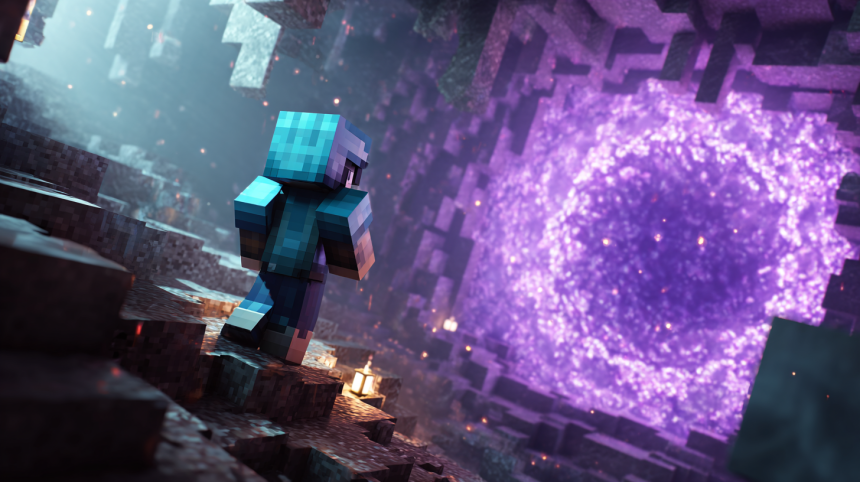
You have punched the trees. You have survived the Creepers. Your dirt hut has been upgraded to a dirt mansion. Now there is a whole other dimension waiting on the far side of a purple swirl, packed with glowing forests, fortresses, gold, blaze rods, and more lava than any reasonable person should be near.
Getting there is easier than you think. Building a Nether portal is basically the universe’s spookiest barbecue: obsidian is the grill, flint and steel is the lighter, and you are the questionable decision.
But here is what I learned after building plenty of these things. Getting the portal built is the easy part. Where that portal decides to connect, and whether you can find it again, is where life gets interesting. So this guide covers the whole trip: the build, the obsidian, the coordinate math, and the part most guides skip — getting home.
Stick around, because by the end you will have a portal that works, a Nether side that is safe, and a route home you will never lose.
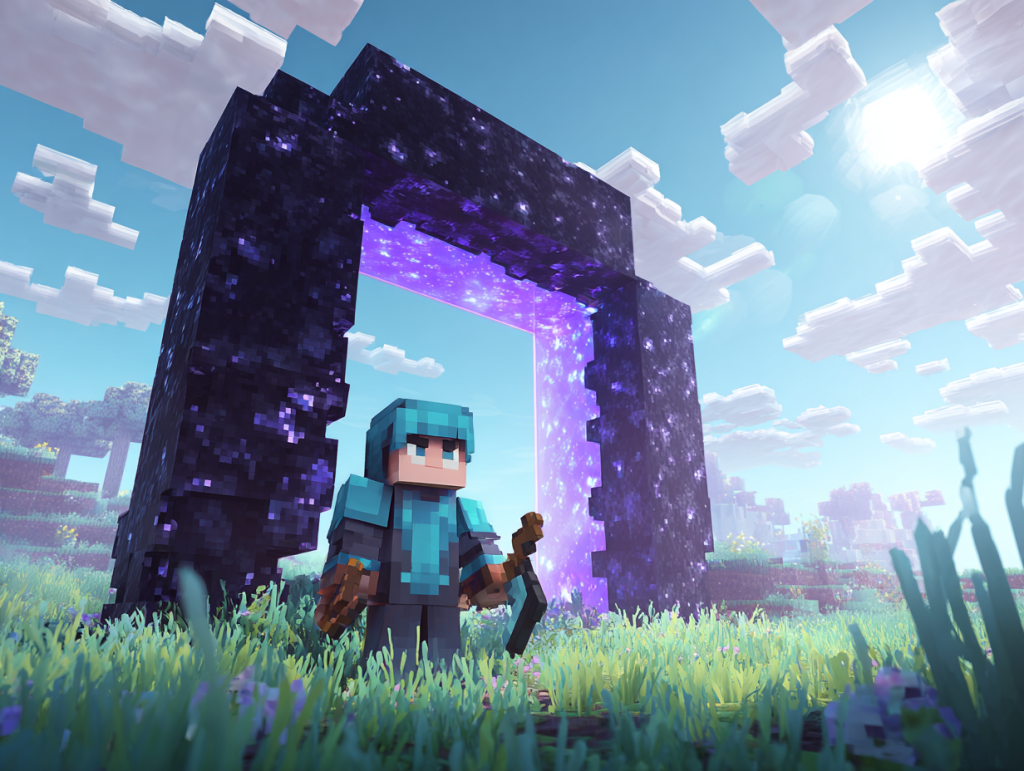
What You Need to Build a Nether Portal
The shopping list is short. That is the good news. The bad news is that one item on it is the most stubborn block in the game that you can actually mine.
You need two things:
Obsidian, 10 to 14 blocks. A full frame with corners uses 14. The corners do nothing, so you can leave them out and get away with 10. The portal works exactly the same. Minecraft does not care about your corners, and honestly, neither should you.
A way to light it. Flint and steel is the classic. You craft it from one iron ingot and one piece of flint, placed diagonally or side by side in the crafting grid. Flint drops from gravel, so if you have been digging for more than five minutes, you probably already have some sitting in a chest.
You can also use a fire charge, which you might find in a ruined portal chest. Technically any fire inside the frame will light it, including fire that spreads from nearby lava or a burning block. That is less a method and more an accident waiting to happen, but it counts.
One more thing worth packing before you even start building: a second flint and steel for the trip itself. I will explain why later, but the short version is that Ghasts do not respect your front door.
How to Get Obsidian (With or Without a Diamond Pickaxe)
Obsidian forms when water touches a lava source block. It is incredibly tough. You need a diamond or netherite pickaxe to mine it, and even then it takes around nine seconds per block without enchantments. Hit it with an iron pickaxe and you will spend a long time watching it crack, only for it to break and drop absolutely nothing. That is Minecraft’s way of saying “nice try.”
No diamonds yet? You have three good options.
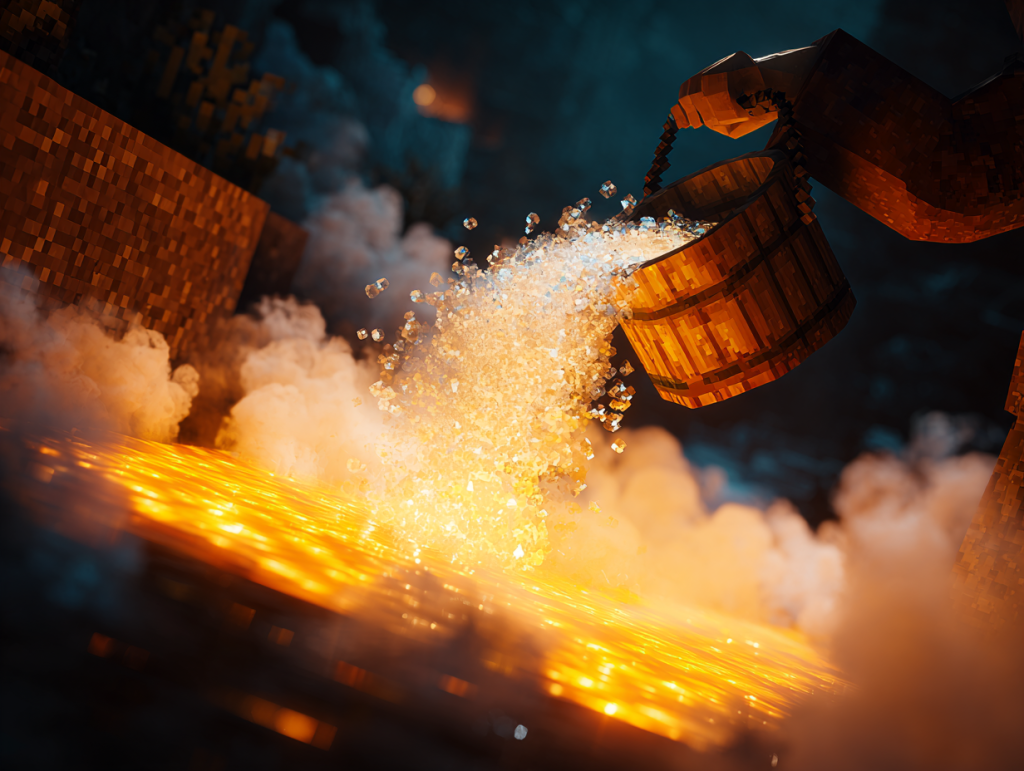
Option 1: The bucket method. Find a lava pool. Pour a water bucket so the water flows over the lava. Every lava source block the water touches turns into obsidian. Flowing lava turns into cobblestone instead, so do not panic if you see some gray mixed in. That is just the lava that was not a source.
Option 2: Cast the portal in place. This is the no-diamond classic. Build a mold out of dirt or cobblestone in the shape of your frame. Pour lava into each spot where obsidian should go, then pour water over it. Each block hardens into obsidian right where you need it. It is arts and crafts with more third-degree burns, and it works beautifully.
Option 3: Raid a ruined portal. Ruined portals are broken portal frames scattered around the Overworld. Their chests often contain obsidian, flint and steel, fire charges, and gold. The frame is usually missing blocks and mixed with crying obsidian, which glows purple but cannot be used in a portal frame. Fill the gaps with regular obsidian and you have a portal that is mostly pre-built for you.
Building and Lighting the Frame, Step by Step
Now the fun part. The classic portal is a frame 4 blocks wide and 5 blocks tall on the outside, with a hollow 2×3 opening inside.
Here is how to build it:
- Place two obsidian blocks on the ground with a two-block gap between them. (With corners, place four in a row.)
- Stack three obsidian blocks straight up from each of those two base blocks, making two pillars.
- Place two obsidian blocks across the top to connect the pillars, over the gap.
- Stand back and admire a hollow 2×3 rectangle made of the toughest block in the Overworld.
If you are building without corners, you will need a temporary block to place the top pieces against. Put a dirt block beside the pillar, place the obsidian against it, and then break the dirt. Obsidian does not need support once it is placed.
Want something bigger? The inside can be as large as 21×21, which makes the outside frame 23×23. A giant portal uses a lot of obsidian, but it looks fantastic in a base. It must stay a perfect rectangle, though. No L-shapes, no circles, no clever angles. The game checks the shape, and it has no sense of humor about it.
To light it, aim your flint and steel at the inside face of one of the bottom obsidian blocks and use it. A wobbly purple vortex fills the frame, humming like it knows something you do not. Congratulations. You have torn a hole in reality with a rock and a lighter.
Once it is lit, you can build anything around it. Embed it in a mountain, wrap it in a temple, turn it into the mouth of a giant stone monster. As long as the obsidian rectangle stays intact, decorate however you like.
Your First Steps Through: Securing the Nether Side
Step into the portal and stand still. In Survival mode, it takes about four seconds for the screen to swirl and pull you through. In Creative, it is nearly instant.
Now, here is the lesson I took to heart early on. My first priority in the Nether is always making sure I have a reliable way home before I go wandering. Everything looks wonderfully obvious when you arrive. Then you spend twenty minutes dodging lava, Piglins, and whatever else wants to ruin your day, and suddenly every netherrack wall looks exactly the same.
So before you explore, take care of the landing zone. This is what I do every time:
Check where you came out. Look around before moving. Is the portal floating over a lava lake? Built into a cliff? Sitting on a tiny ledge? The game sometimes creates portals in rough spots, and the Nether side needs attention.
Make it safe. Build a small shelter around the portal out of cobblestone or another blast-resistant block. Ghast fireballs can’t break cobblestone easily, but they can blow out your portal. Put a floor under it and walls around it.
Make it recognizable. Light it up with torches. Build a tall tower of a block that does not naturally show up in the Nether. You want to see this thing from far away, even when you are panicking.
Write down the coordinates. This is the single most useful habit you can build. Your portal’s coordinates are your address home.
I have learned not to casually step through a brand-new portal and immediately go exploring without paying attention to where I came out. That is an excellent recipe for turning a five-minute Nether trip into an hour-long search for your way home.
How Nether Portal Linking Actually Works
This is the part that confuses almost everyone, and it is where the real fun (and the real disasters) happen.
The Nether and the Overworld use different scales. One block of travel in the Nether equals eight blocks of travel in the Overworld, horizontally. That means your X and Z coordinates get divided by 8 when you go into the Nether and multiplied by 8 when you come back. Height (the Y coordinate) is not scaled.
So if you light a portal at X 800, Z -1600 in the Overworld, the game looks for a Nether portal near X 100, Z -200 on the other side.
Here is how the game decides where you come out:
- It converts your coordinates to the other dimension.
- It searches for an existing portal near that spot. In the Nether, the search covers a much smaller area than in the Overworld, because the scales are different.
- If it finds a portal, it sends you to the closest one.
- If it finds nothing, it builds a brand-new portal as close as it can to that spot, in a safe-ish location if one exists.
That last step is where trouble starts. If no good spot exists, the game may create the new portal hanging in midair with a small obsidian platform. Surprise.
And here is the big one. Because the game sends you to the closest portal, having several portals near each other can cause them to cross-link. Nothing quite says “I have made a terrible mistake” like walking through the portal beside your house and coming back through one nowhere near where you expected.
That is why I treat portal linking seriously. When I connect portals on purpose, I pay attention to coordinates instead of throwing portals everywhere and hoping Minecraft sorts out my transportation system. It will not. It will sort it out in whatever way makes you walk the farthest.
How to Link Portals on Purpose
Once you understand the ratio, linking two portals exactly where you want them is simple. Here is the method:
- Find your Overworld coordinates. Stand inside or right next to your Overworld portal. In Java Edition, press F3 to see them. In Bedrock Edition, turn on Show Coordinates in the world settings.
- Divide X and Z by 8. An Overworld portal at X 1200, Z 400 should link to a Nether portal at X 150, Z 50.
- Go to the Nether and travel to those coordinates. Try to stay at a similar height to your Overworld portal when you can, since the game prefers the closest portal overall.
- Build and light a portal right there. Now the two portals point at each other.
- Test it both ways. Walk through, then walk back. If you come out at the right portal both times, you are done.
This trick is also the foundation of Nether highways. Since every Nether block is worth eight Overworld blocks, you can travel 1,000 blocks in the Overworld by walking only 125 in the Nether. Build a tunnel between two linked portals and you have the fastest travel system in the game without touching a single rail.
If a portal keeps linking to the wrong place, the fix is usually one of these. Break the portal that is stealing the link. Move your new portal closer to the exact converted coordinates. Or build a new portal on the other side at the correct coordinates, so the game finds it first.
Java vs. Bedrock: What Is Different?
The basics are the same in both editions. Same frame, same minimum and maximum sizes, same 8 to 1 ratio, same flint and steel. A few details differ, though, and they matter when you are linking portals.
Finding coordinates. Java players open the debug screen with F3. Bedrock players need the Show Coordinates option switched on in the world settings, and then the numbers appear in the corner.
How the closest portal is chosen. Both editions search for nearby portals, but they do not measure “closest” in exactly the same way. That means two portal setups that link perfectly in Java can occasionally behave differently in Bedrock. If you play Bedrock and a link acts strangely, build your portals as close to the exact converted coordinates as possible. That removes the guesswork in both editions.
Portal mobs. In both editions, lit portals in the Overworld can occasionally spawn Zombified Piglins. So if you find one wandering around your base, the portal is probably the culprit. Mobs and items can also go through portals, so do not be surprised if something follows you.
Nether Portal Mistakes That Will Cost You
Now for the things nobody tells you until you have already learned them the hard way.
Trusting water. Water does not work in the Nether. Pour a bucket and it evaporates instantly with a sad little puff of steam. The emergency bucket trick that saves you from lava in the Overworld is useless here. I respect lava in the Nether. A lot. It can turn a perfectly good adventure into an inventory-recovery mission remarkably fast.
Forgetting building blocks. Blocks are your real safety tool in the Nether. Bring a full stack or two of cobblestone for barriers, bridges, and quick shelters around dangerous portal spots. When a lava lake appears between you and home, blocks are how you cross it.
Sleeping in a bed. Beds explode in the Nether. Violently. Do not try it. If you want to set a spawn point there, you need a respawn anchor instead.
Leaving your only lighter at home. Ghast fireballs can blow out your portal. The obsidian survives, but the purple swirl disappears. Without flint and steel or a fire charge in your pocket, you are stuck. Always carry a spare.
Building portals too close together. Remember the linking rules. Two Overworld portals only a few dozen blocks apart can end up pointing to the same Nether portal. Space them out, or link them carefully with coordinates.
Assuming you will remember. This is my biggest lesson. Build the portal, but also build yourself a way back. Take coordinates, secure the Nether side, mark your route, and do not assume you will remember which direction home was after twenty minutes of running around Hell…ish landscapes.
What to Pack for Your First Nether Trip
The Nether is not a vacation spot. It is hot, full of fire-shooting ghosts and grumpy pig-people, and the floor is often lava. Pack like you mean it:
- Your best armor and weapon. Fire Protection enchantments help a lot.
- At least one piece of gold armor. Wearing gold keeps Piglins from attacking you on sight. A gold helmet is the cheapest way to say “please do not murder me.”
- A bow and arrows. You can also hit Ghast fireballs back at them with a sword, but a bow gives you options.
- Stacks of cobblestone. For bridges, walls, and emergency shelters.
- A spare flint and steel. For relighting portals.
- Plenty of food. Running and fighting burns hunger fast.
- Something to write coordinates on. Even a book and quill works.
Leave your valuables at home on your first trip. Anything you drop into lava is gone forever, and the Nether is very good at making that happen.
Questions Players Ask Me About Nether Portals
Why won’t my Nether portal light?
Almost always, the frame is the problem. Check that it is a perfect rectangle with an opening at least 2 blocks wide and 3 blocks tall. Every edge block must be real obsidian, not crying obsidian. Make sure nothing is blocking the inside, like a torch, a flower, or a slab. Also check which dimension you are in. Portals only light in the Overworld and the Nether, so building one in the End does nothing but waste your obsidian.
Can you make a Nether portal without a diamond pickaxe?
Yes. You never need to mine obsidian at all. Use the casting method: build a mold where the frame goes, fill each spot with lava from a bucket, then pour water on it to turn it into obsidian in place. You can also loot ruined portals, which often come with obsidian and flint and steel in the chest. Just remember that crying obsidian from those ruins will not work in a frame.
How many obsidian do you need for a Nether portal?
You need 10 obsidian for the smallest working portal, because the four corners are optional. A full frame with corners uses 14. Bigger portals need more, and the largest possible portal has an inside opening of 21×21 blocks. For your first build, stick with the 10-block version. It works exactly the same, and it saves you four blocks of the slowest material in the game to mine.
Why did my Nether portal take me to a different portal?
The game sends you to the closest existing portal near the converted coordinates. If another portal sits closer to that spot than the one you wanted, it wins. This usually happens when you build several portals near each other. To fix it, divide your Overworld X and Z by 8, go to those exact coordinates in the Nether, and build a new portal there. Then test it in both directions.
Can a Ghast destroy my Nether portal?
A Ghast fireball cannot break the obsidian, but it can put out the portal, leaving you with an empty frame. That is why you should always carry a spare flint and steel or a fire charge in the Nether. Relight it and you are good to go. Building a cobblestone shelter around your Nether-side portal also stops most fireballs before they reach it.
Do Nether portals work the same in Java and Bedrock?
Mostly, yes. The frame shape, sizes, lighting, and 8 to 1 coordinate ratio are the same. The main differences are how you view coordinates and small details in how each edition picks the closest portal. Java uses the F3 screen, while Bedrock uses the Show Coordinates setting. If your links behave oddly in either edition, building portals right at the converted coordinates solves nearly every problem.
Why won’t my Nether portal light?
Almost always, the frame is the problem. Check that it is a perfect rectangle with an opening at least 2 blocks wide and 3 blocks tall. Every edge block must be real obsidian, not crying obsidian. Make sure nothing is blocking the inside, like a torch, a flower, or a slab. Also check which dimension you are in. Portals only light in the Overworld and the Nether, so building one in the End does nothing but waste your obsidian.
Can you make a Nether portal without a diamond pickaxe?
Yes. You never need to mine obsidian at all. Use the casting method: build a mold where the frame goes, fill each spot with lava from a bucket, then pour water on it to turn it into obsidian in place. You can also loot ruined portals, which often come with obsidian and flint and steel in the chest. Just remember that crying obsidian from those ruins will not work in a frame.
How many obsidian do you need for a Nether portal?
You need 10 obsidian for the smallest working portal, because the four corners are optional. A full frame with corners uses 14. Bigger portals need more, and the largest possible portal has an inside opening of 21×21 blocks. For your first build, stick with the 10-block version. It works exactly the same, and it saves you four blocks of the slowest material in the game to mine.
Why did my Nether portal take me to a different portal?
The game sends you to the closest existing portal near the converted coordinates. If another portal sits closer to that spot than the one you wanted, it wins. This usually happens when you build several portals near each other. To fix it, divide your Overworld X and Z by 8, go to those exact coordinates in the Nether, and build a new portal there. Then test it in both directions.
Can a Ghast destroy my Nether portal?
A Ghast fireball cannot break the obsidian, but it can put out the portal, leaving you with an empty frame. That is why you should always carry a spare flint and steel or a fire charge in the Nether. Relight it and you are good to go. Building a cobblestone shelter around your Nether-side portal also stops most fireballs before they reach it.
Do Nether portals work the same in Java and Bedrock?
Mostly, yes. The frame shape, sizes, lighting, and 8 to 1 coordinate ratio are the same. The main differences are how you view coordinates and small details in how each edition picks the closest portal. Java uses the F3 screen, while Bedrock uses the Show Coordinates setting. If your links behave oddly in either edition, building portals right at the converted coordinates solves nearly every problem.
You Are Ready for the Nether
So, how do I make a Nether portal on Minecraft? You grab some obsidian, shape it into a rectangle, set it on fire, and step through. That part really is easy, and you now know three different ways to get the obsidian, even without diamonds.
The real skill is everything around it. You know how linking works. You know how to do the coordinate math. You know how to make the Nether side safe and easy to find, and you know the mistakes that turn quick trips into long searches. That is the stuff that separates a scary first trip from a confident one.
Thank you for building this one with me. Now go light that portal, take your coordinates, and bring back a pocket full of Nether treasures. The purple swirl is waiting, and you have got a way home.